 AI Models Company
Buying an AI influencer usually means buying character assets and a license to use them. Your first job is to establish what those assets let you do: publish the supplied images, make new scenes, create video, or run an existing account.
This guide walks through a real public model page and a practical package inspection. Keep the file inventory, image quality, reuse workflow and rights as separate decisions. A good portrait answers only one of them.
Start with the actual model page
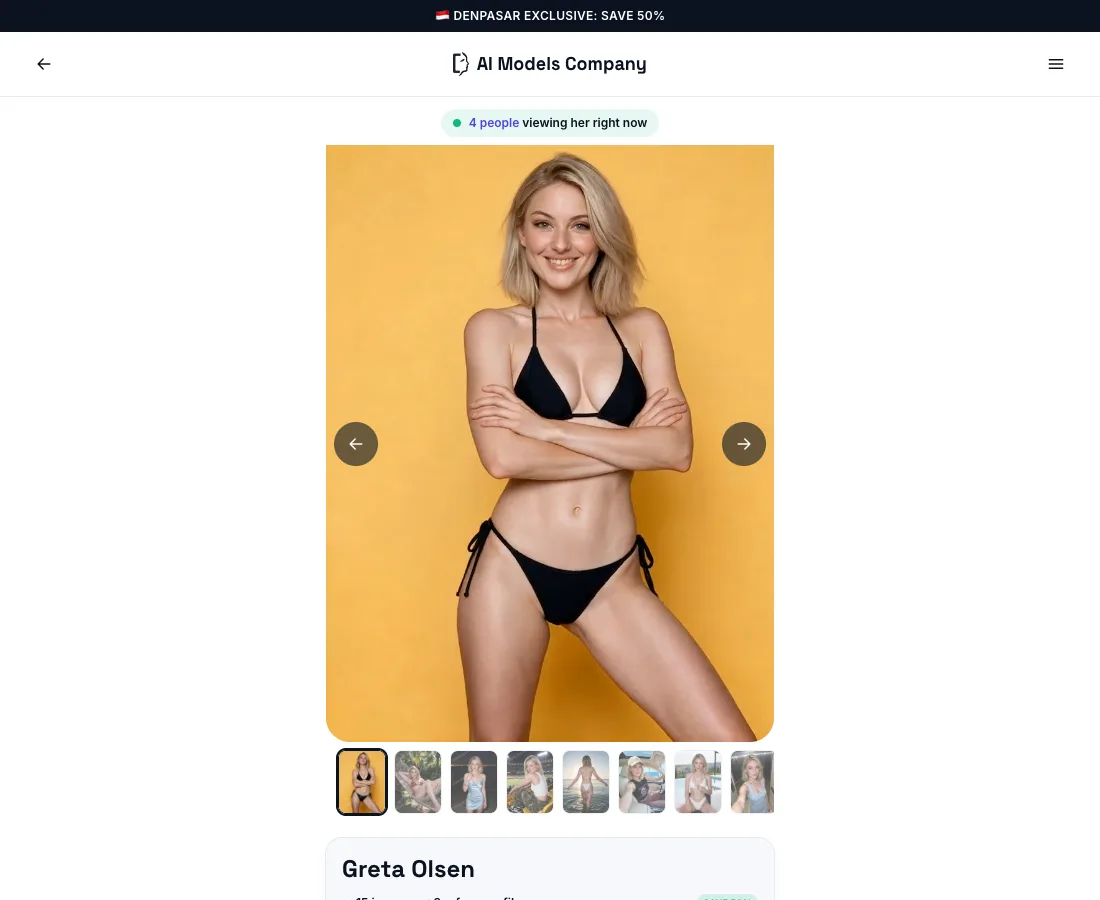
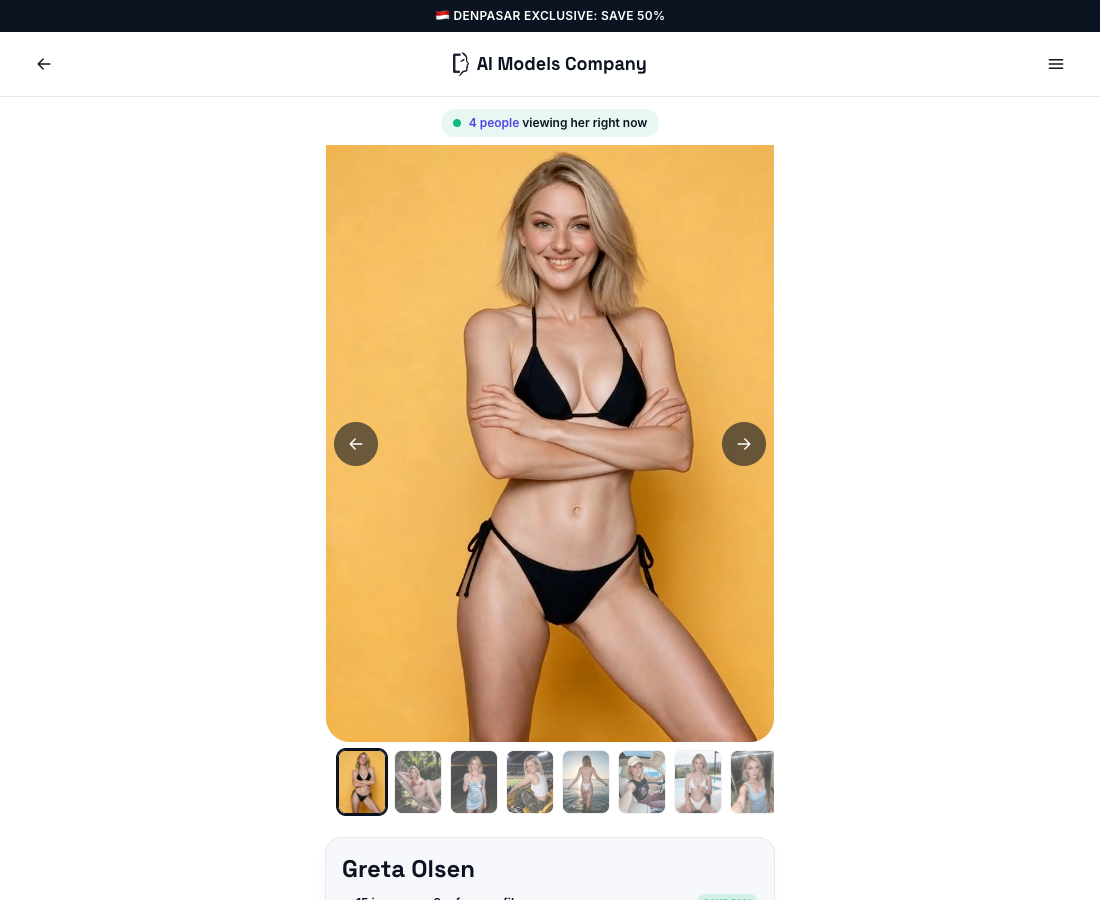
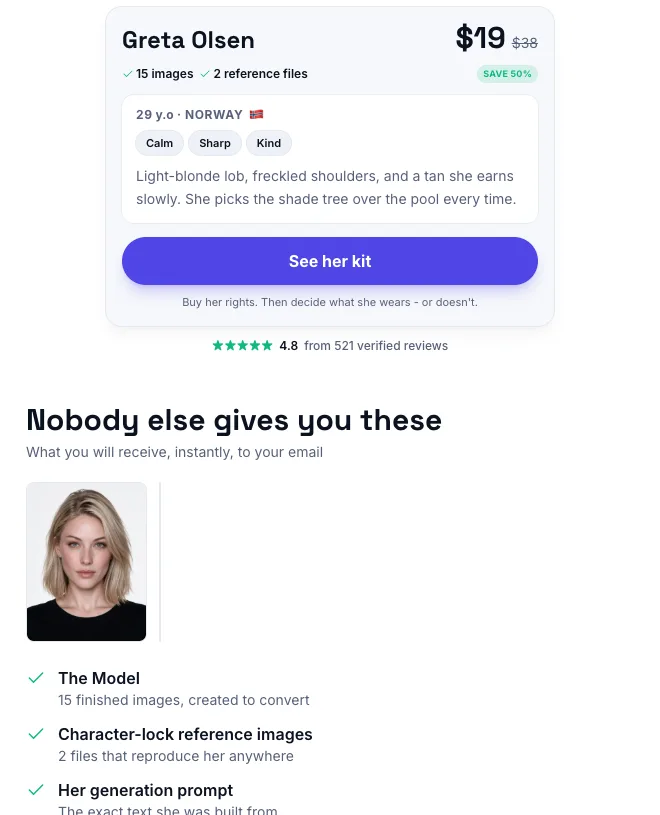
Read the page in this order:
- Character: Is this the identity you want across several scenes?
- Included files: Which images, references, prompts and videos are supplied?
- Reuse: How do you make the next scene with those files?
- License: Which commercial uses and restrictions apply?
- Delivery: How and when will you receive each item?
Our model catalog is for choosing a character. This guide is for deciding what you need from the package before you buy it.
Separate four purchases that often share one label
| Purchase | What you receive | What to ask |
|---|---|---|
| Character assets | Finished images and related production files | Which files are included and at what resolution? |
| Reference package | Identity inputs for making new scenes | Which editors accept them, and how are they attached? |
| Trained identity | A model or saved character configuration | Which software, base model and versions support it? |
| Social account | An account and whatever audience it has | Is access actually included, and what is being transferred? |
A seller can combine these, but you should be able to identify each deliverable. At AI Models Company, the standard offer is a character kit with images, reference files, a prompt, a commercial license and course access. Check the selected offer and current terms for its contents.
If your plan depends on an existing following, ask about the account explicitly. If your plan is to produce client images, the reference and usage workflow may matter more than followers.
Inspect the character in more than one scene
Choose several views with different tasks: a face portrait, a wider scene and an outfit or lighting change. Compare identity and production quality separately.
The examples below are from our public gallery. They show the kind of variation to examine when a seller offers a reusable character.
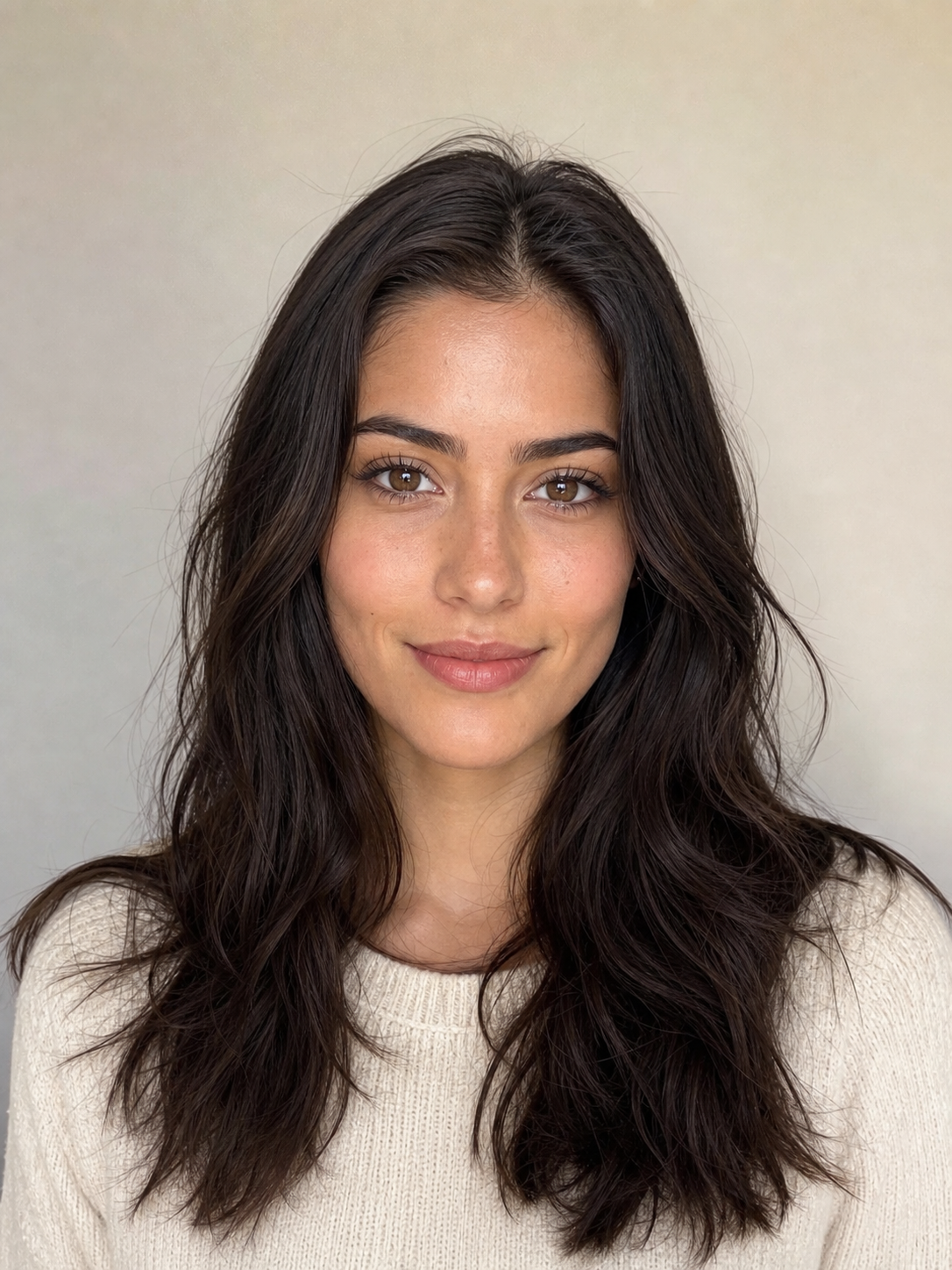


Ask whether the files support the scenes you want to produce. Six close-ups can suit a portrait-led account. A clothing campaign may need body views, different poses and accurate garment references.
When you inspect previews, look for recurring changes: eye shape, jaw, nose, hair length, proportions or fixed marks. Also look at ordinary quality issues such as fingers, repeated background objects and text. The consistency guide shows how to diagnose these differences.
Get a file inventory you can check against delivery
Ask for an itemized list. A clear inventory separates ready-to-use content from inputs for future production and learning materials.
| Deliverable | What to verify | Practical check |
|---|---|---|
| Finished images | Count, dimensions, format and preview quality | Open a sample at full size |
| Identity references | Views, clarity and intended use | Identify the face reference and any body reference |
| Prompt or workflow | Text, attachment instructions and tool requirements | Understand which image goes into which input |
| Video, if included | Length, resolution and file format | Watch the actual clip rather than a still |
| License | Permitted uses, restrictions and exclusivity | Read the supplied document and current terms |
| Course or guidance | Access method and coverage | Check whether it explains the tools you intend to use |
A useful folder organization might look like this:
character-kit/
  images/
  references/
  video/          if included
  prompt.txt
  LICENCE.txt
  getting-started.txt
That is an example organization, not a promise that every seller uses those folder names. The important part is that each item can be located and matched to the offer.
Understand how you will make the next image
Ask for the simplest supported workflow. For a reference-based package, that should tell you which portrait or reference to attach, what prompt to enter and which settings matter. A trained identity needs its own loading instructions and compatible software.
For example, your first task could be a medium cafe scene. You would attach the approved identity reference, describe the scene and inspect the face, hands and cup. Our creation walkthrough includes that sequence and an editable scene-prompt builder.
If the provider or tool matters to your business, check its accepted inputs before purchasing. A trained-model file, a reference image and a saved character in one application are different assets. Portability depends on what is actually supplied.
Read ordinary and exclusive rights separately
Our ordinary kit license permits the commercial uses described in the terms, including making new material with the supplied references. Reselling the original folder as your own product is a different use. The written license delivered with the purchase governs it.
Exclusive rights are a separate arrangement. For our store, the document stops future sales of that character by us. Earlier purchasers may still hold the non-exclusive licenses they already bought.
When another seller offers exclusivity, ask what it covers: future sales, current licenses, platform accounts, geography, duration and any uses the seller retains. A single word in a product title is less useful than the actual grant.
For social accounts and paid content, review the platform requirements for the intended use alongside the character license.
Compare buying, building and commissioning on the same task
Choose a target set, such as five approved images and one short clip in the formats you need. Then compare the work and spending required by each route.
| Route | Setup | Work still required |
|---|---|---|
| Finished character kit | Inspect and purchase the character assets | Learn the workflow, create future content, review and publish |
| Build yourself | Design the identity and references | Test scenes, handle production and operate the account |
| Custom commission | Write a brief and approve the identity | Review deliverables and agree the ongoing production workflow |
Buying can shorten character setup. It does not remove the work of developing an account or producing every future asset. Use the cost calculator to compare accepted outputs, editing time and recurring spending.
If you need a custom identity or a particular set of campaign assets, describe the project before comparing a custom quote with a standard kit.
Check delivery before you pay
Confirm the delivery method, included files, access instructions and support route. If an extra reference or video is delivered separately, record that timing. Save the offer and license with your project notes so you can check the delivered package.
A short inspection record is enough:
Chosen character and offer:
Files included:
Reference workflow:
Tool requirements:
Commercial uses:
Exclusive terms, if any:
Delivery method and timing:
First scene I will produce:
The last line matters. It turns an attractive purchase into a concrete production decision.
Common questions
Can I rename the character?
Our standard kit terms allow it. Check the written license for another seller’s offer.
Does a character package include an Instagram account?
Our standard package supplies character assets. An existing account would need to be explicitly listed as a separate deliverable.
What should I inspect first?
The identity across several scenes, the reference files, a clear first-use workflow and the license. Then compare cost against the task you need to complete.