 AI Models Company
To make AI fashion model photos, start with accurate product references, define which details must stay unchanged and review every output against the actual garment. A convincing model image does not prove fit, comfort, fabric behavior or how the item looks on a real customer.
Use generated fashion images for a purpose they can support. A campaign concept, a styled social image and a product listing have different accuracy requirements.
Decide where the image will appear
For an early concept, an invented outfit may be acceptable if everyone understands it is a concept. For a particular item offered for sale, the image must not quietly change what the customer expects to receive.
Write down the destination, SKU, approved colors, required views and any required labels. If your store or marketplace has its own image rules, check those before production. For example, TikTok Shop’s content policy addresses misleading product representations.
What a garment image has to survive
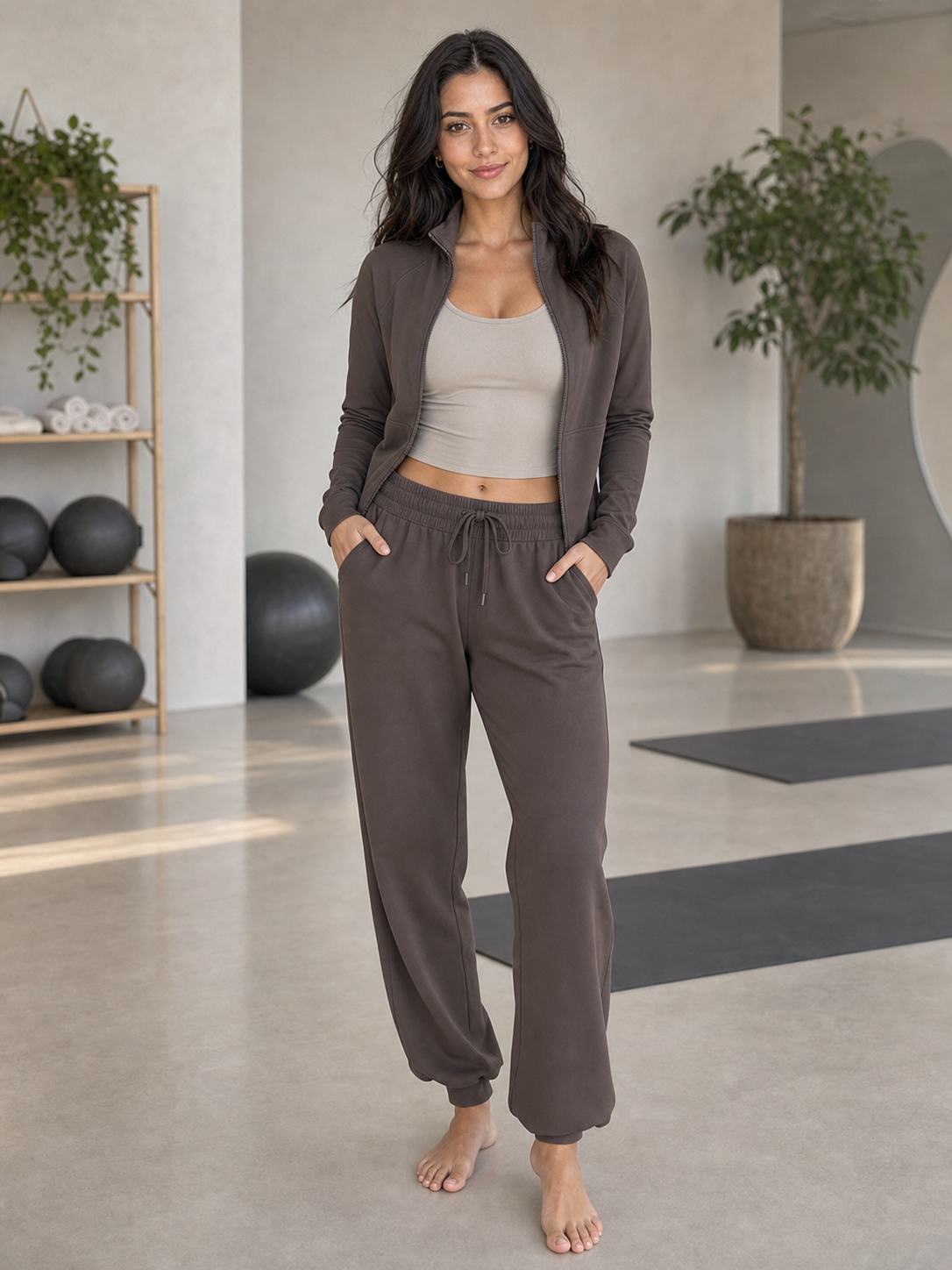
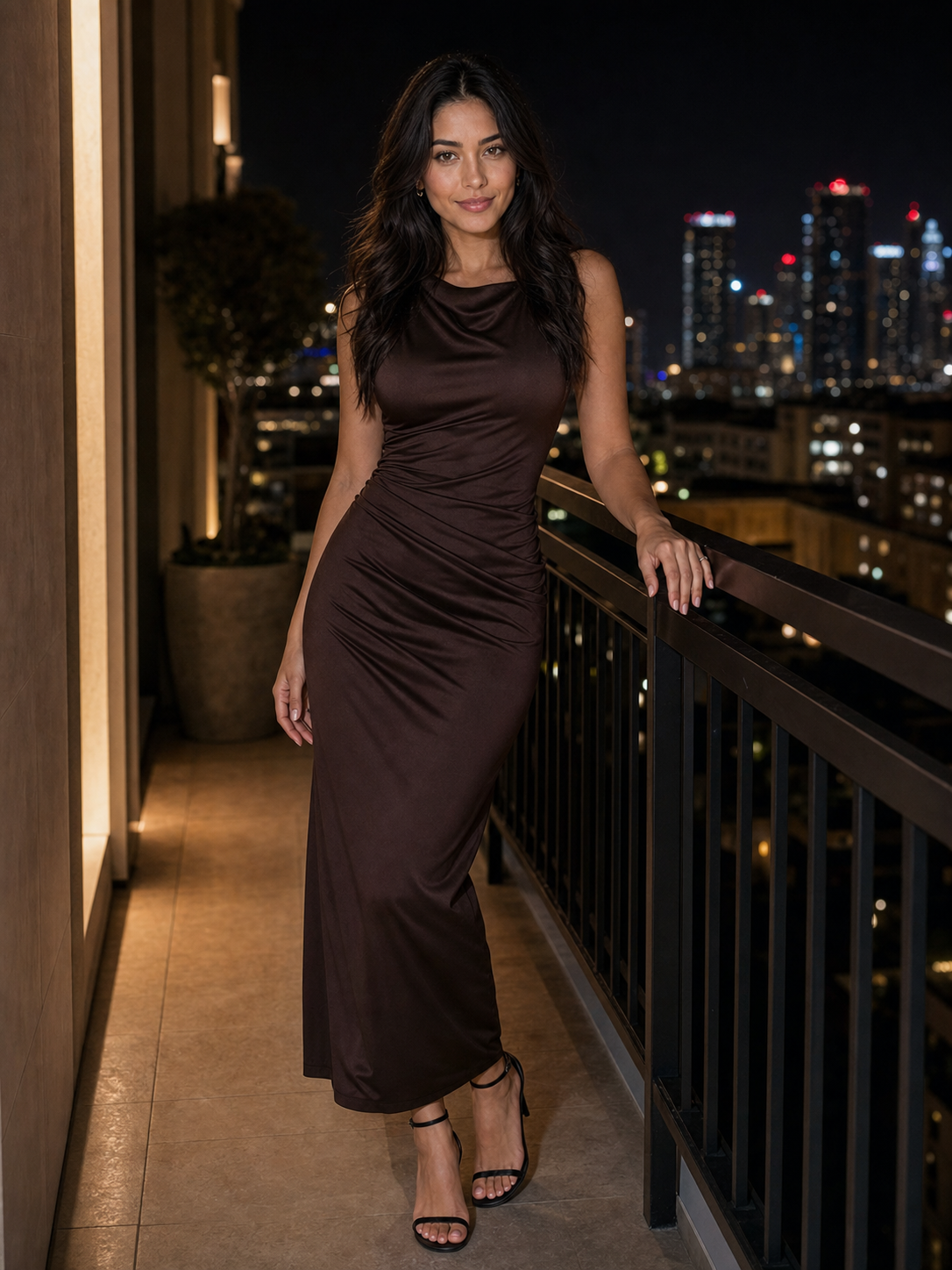
The images below are examples from our public gallery, not a specific SKU. They show the kind of detail a reviewer inspects: the whole outfit in one view, and a fitted garment where color and shape are visible.
Prepare a product reference pack
Collect the real product views that answer the brief: front, back, side, fastening, fabric detail and any visible branding. Use consistent filenames and identify the approved SKU and colorway.
Include dimensions or construction notes when they matter to the image. Do not expect a generator to infer an unseen back panel or an exact fabric weight from a single front photograph.
Keep character identity references separate from garment references. One describes who should appear; the other describes the item. Tools differ in how they accept those inputs, so follow the chosen provider’s documentation rather than assuming a prompt can assign every reference correctly.
Make an approval sheet before the first output
Here is a fictional campaign approval sheet:
| Field | Approved requirement for example SKU JKT-01 |
|---|---|
| Item | Navy jacket in the approved reference pack |
| Fastening | Five visible front buttons |
| Pockets | Two chest pockets with flaps |
| Branding | No invented logo or text |
| Framing | Front three-quarter view, waist and cuffs visible |
| Allowed scene change | Plain light studio background |
| Unsupported use | Claiming verified fit or fabric performance |
The reviewer should be able to point to a reference for each product requirement. If an important feature is not visible in the source pack, obtain a better source rather than treating an invented detail as correct.
Generate a small set and review it
Describe the scene, pose and light while preserving the approved garment requirements. Keep enough of the product visible to review the intended view.
For example, a hand covering a pocket could hide a defect. A pose that pulls the jacket into a new shape may be unsuitable if the brief requires a clear construction view. Choose the pose for the product information you need, not just the most striking image.
- Colour drift against the approved colorway.
- Wrong number of buttons, closures or pockets.
- Invented logo, text or hardware.
- Changed cut, length or fit that alters what the customer expects.
- Missing or altered print, pattern alignment or fabric detail.
- Hands or props hiding a feature that the view is meant to show.
Check the character, anatomy and background, then check the garment separately. Review button count, seams, closures, pocket placement, cuffs, print, color and visible texture. Inspect both the full image and the details at the intended display size.
If the same character changes between scenes, use the consistency workflow. Product accuracy still needs its own review even when the face is consistent.
Run the garment review
Work through the checks for each output and tick them only when the detail matches an approved reference. Edit the list for your garment.
Repair, regenerate or reject?
A localized repair may be reasonable when the correction can be checked against an approved reference and does not create another inconsistency. Regeneration may be more suitable when several features are wrong. Reject the image when you cannot verify an important detail.
Keep the original output, the corrected version and the approval record. Recheck the full image after retouching; fixing one button does not establish that the rest of the garment is accurate.
For the fictional jacket, a reviewer might write: “Rejected: four buttons instead of five; right pocket flap missing.”
Deliver with clear usage limits
Supply the approved exports, SKU references, version history and intended placement. State whether the image is a concept, an approved campaign visual or material cleared for a specific listing. Do not let a concept file become a product listing by accident.
Keep real product images or filmed demonstrations available when buyers need information synthetic imagery cannot establish. If the project includes video, use the AI UGC workflow to review the entire motion sequence as well.
Our campaign guide provides a broader handoff for approvals, rights and delivery.
Common questions
Can AI fashion photos prove fit?
No. A generated depiction is not evidence from a real fitting. Use appropriate real-world product information for fit claims.
Can I use one garment photo?
It may be enough for a limited concept. It cannot establish details that are missing from that view. Match the source pack to the actual required image.
Do I need the same model in every image?
Only if the brief calls for a recurring identity. Product accuracy and an appropriate license remain necessary either way.