 AI Models Company
To create an AI UGC ad, start with a supported product message, choose the presentation style, produce the assets and check the finished ad against the actual product.
AI UGC uses a generated presenter in a familiar creator-video style: a talking head, product demonstration, unboxing or short story. The images below are examples from our public gallery, not frames from a finished ad. They show the kind of frame a presenter shot uses, where a real product is added from approved photos rather than invented.
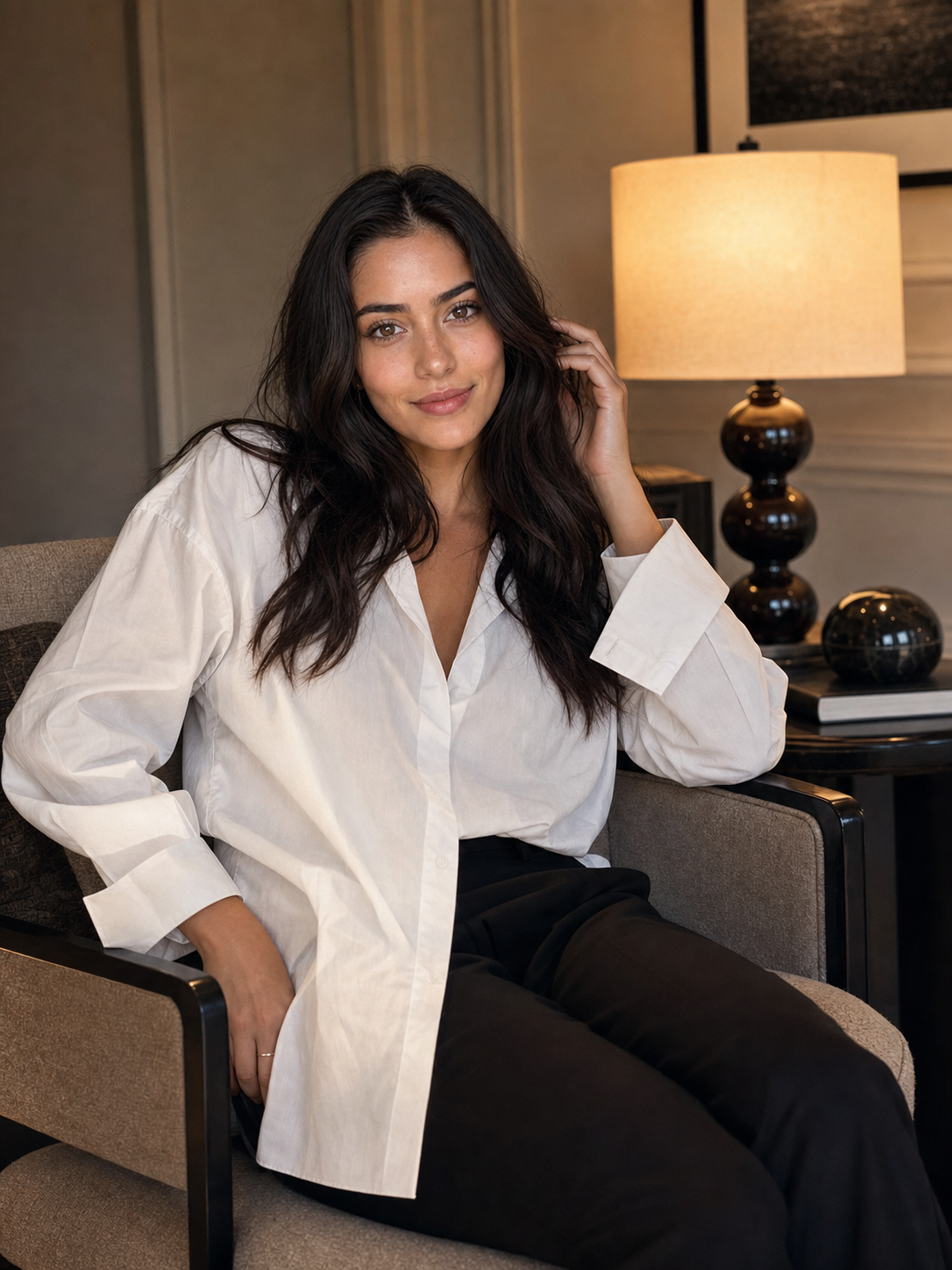
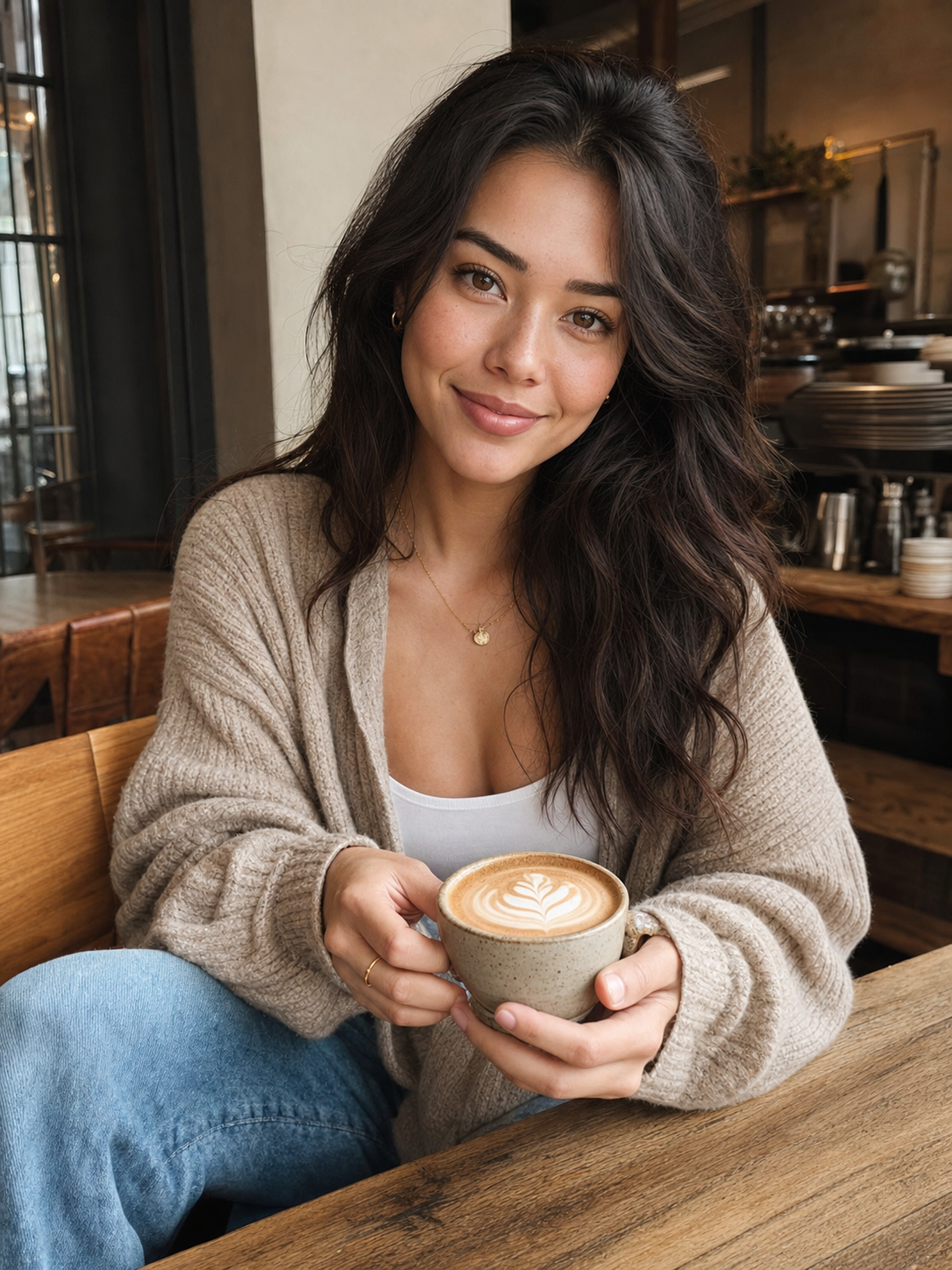
Write a brief before generating clips
Give the production team one product, one audience and one action. Separate approved facts from ideas that still need evidence.
Here is an original fictional brief, written for this guide rather than taken from a campaign:
| Field | Example |
|---|---|
| Product | The fictional Halden 700 bottle, with a screw lid and silicone seal |
| Audience | Adults packing a work bag |
| Message | A bottle for a desk and work bag |
| Visual references | Approved front, side, cap and packaging photos |
| Format | Vertical product introduction for the brand’s account |
| Action | View the product page |
| Product evidence | Specifications and test records for any performance claims |
Fill in the form to produce your own version of that brief. The starting values are the fictional example.
Write the script and the hook
Use a simple structure: hook, problem, product, one reason to believe it and a call to action. Write the lines as spoken language, then read them aloud and time the delivery.
Here is the original example script for the fictional Halden 700 bottle:
Hook: “I stopped buying bottled water for my desk.”
Problem: “My old bottle leaked in every bag I own.”
Product: “The Halden 700 bottle has a screw lid and a silicone seal.”
Reason: “It survived a dropped backpack and a dishwasher cycle.”
Call to action: “Link in the caption.”
Adapt the script to your product, references and supporting tests. For sponsored content, check the FTC’s disclosure guidance and testimonials guidance alongside the platform requirements.
Plan the shots around what can be verified
For the bottle example, a simple sequence could be a presenter introduction, a real product close-up, a cap detail and an end card. Real product footage can be combined with a generated presenter when that gives a more accurate result.
- Presenter introduction to camera, generated or filmed.
- Real product close-up from the approved reference pack.
- Cap and seal detail, filmed.
- End card with the approved action and any disclosure.
Do not force the generator to perform a product demonstration it cannot reproduce faithfully. An attractive shot that changes the cap or invents a pouring mechanism fails the brief.
For each shot, record the reference file, the intended action and the details that must remain unchanged. Keep character references and product references separate so reviewers know what each image is meant to control.
Produce a rough version before polishing
Check the overall message with a rough assembly. Then review the individual assets, edit the sequence and add approved text, sound and disclosures.
If a talking presenter is involved, check the voice permissions, spoken words and synchronization. If hands interact with the product, watch the full action at normal speed and inspect the important transitions. A good opening frame cannot prove that the rest of the clip is usable.
See the video workflow for motion review and the fashion guide for product-reference checks.
Review the ad before exporting
| Review | Pass condition |
|---|---|
| Product | Color, shape, quantity, packaging and visible details match approved references |
| Claims | Spoken and written statements match the approved claims list |
| Character | Appearance is consistent and clearly adult |
| Motion | No distracting distortion or impossible product interaction |
| Text and sound | Readable captions, accurate words and permitted music or voice |
| Placement | Correct dimensions, disclosures and platform requirements |
TikTok Shop’s content policy specifically addresses misleading product representations, including synthetic demonstrations. Check the rules of the actual placement as well.
For Meta placements, review its AI advertising transparency guidance separately from organic-post labels. Keep screenshots of the final ad and its disclosure settings with the approval record.
Hand over an asset that can be used
Deliver the approved exports, source references, script version, usage permission, disclosure instructions and any limits on editing. State whether the fee includes paid advertising rights, further variants, revisions or distribution. A creator-style video file does not include access to an audience unless that is separately agreed.
For a larger project, use the campaign brief. To compare production routes, read AI UGC versus human UGC.
Common questions
Can the avatar hold my actual product?
Use clear photos of the actual item from several angles. Approve a still, animate it, and check the product, grip, label and scale throughout the clip.
Does the ad need to look completely generated?
No. Choose generated, filmed or combined assets according to the brief, rights and accuracy requirements.
How many versions should I produce?
Start with the variants your budget can fund and your measurement plan can evaluate. Keep the first round focused enough to learn which hook and presentation to develop next.